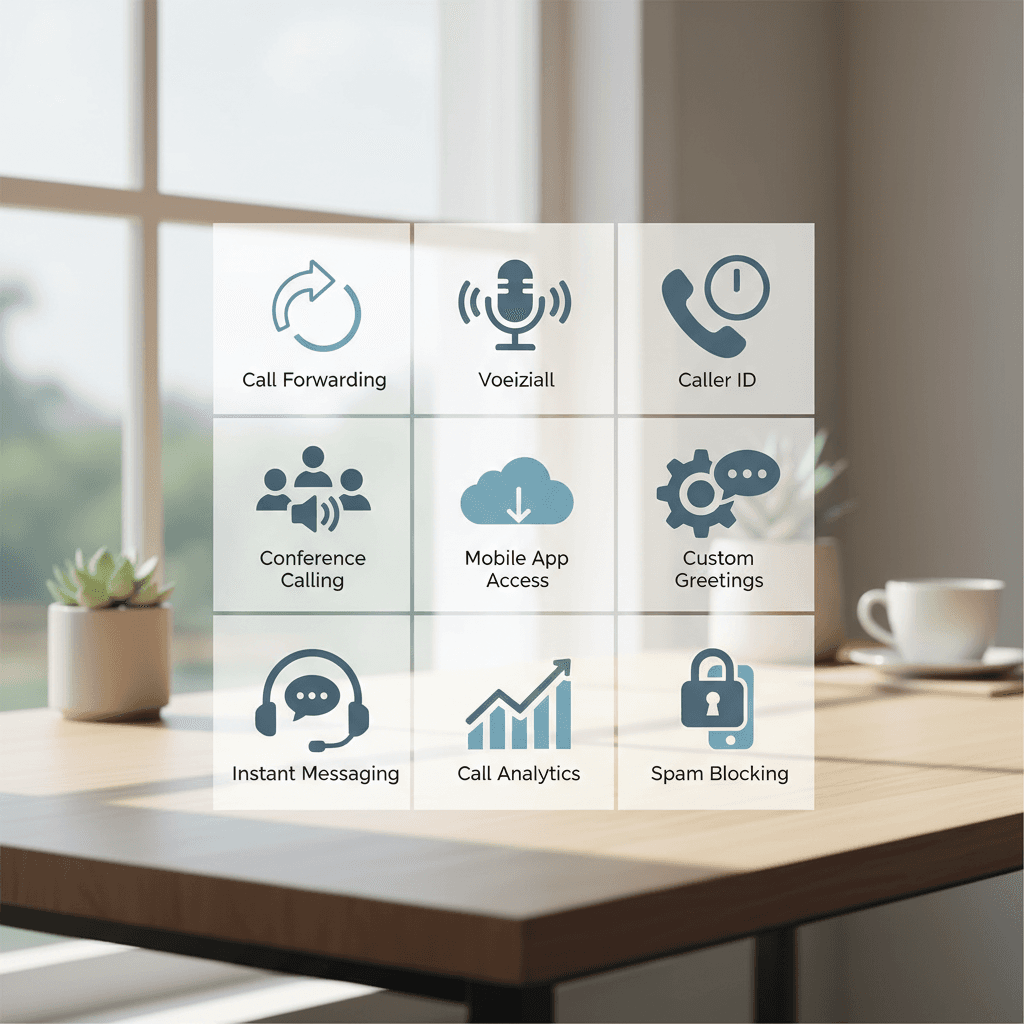
For startups and small businesses, every dollar counts. A professional phone system is non-negotiable for building credibility, but traditional landlines are costly and inflexible. This is where Voice over Internet Protocol (VoIP) technology changes the game. Finding the cheapest business phone service is about securing an affordable, feature-rich solution that can grow with you.
This guide cuts through the noise. We will compare the top budget-friendly VoIP providers, show you how to set up your system, and outline the key considerations for making an informed choice. You don’t have to sacrifice quality for cost.
How We Test and Choose the Best Cheapest Business Phone Service Providers
To provide you with reliable recommendations, we follow a rigorous evaluation methodology. Our goal is to identify business phone service providers that deliver maximum value without compromising on core functionality.
Our key criteria include:
Pricing Transparency: We prioritize providers with clear, upfront pricing. The cheapest business phone service shouldn’t come with hidden fees or surprise charges.
Core Features: We ensure that even the most affordable plans include essential tools like an auto-attendant (virtual receptionist), call forwarding, and voicemail.
Ease of Use: A budget-friendly service should be simple to set up and manage without needing a dedicated IT department.
Reliability & Support: We look for providers with a proven track record of uptime and accessible customer support.
Scalability: The right service should offer a clear path to upgrade features and add users as your business expands.
Our commitment is to transparency. If a competitor offers a better fit for a specific need, we will say so.
Top 5 Cheapest Business Phone Service Providers for Small Businesses
After extensive research, we’ve narrowed the field to five top contenders that offer a potent combination of low cost and high value.
1. 8×8 Express
Key Features & Pricing: The 8×8 Express plan starts at $15 per user/month. It is an all-in-one solution that includes unlimited domestic calling, a business number, an auto-attendant, and HD audio/video meetings for up to 100 participants.
Pros: This plan offers exceptional value by bundling voice, video, and team chat into one low price point. It’s a true unified communications platform for a budget price.
Cons: The Express plan is limited to a maximum of 10 users.
Ideal for: Small teams (under 10 employees) who want a single, integrated platform for all their communication needs.
2. Phone.com
Key Features & Pricing: Phone.com offers a “Basic” plan starting at $12.99 per user/month (with annual payment). This metered plan includes one phone number, 500 pooled minutes, and 1,000 pooled text messages.
Pros: It has one of the lowest starting prices in the industry. The flexible, mix-and-match approach allows you to build a plan that precisely fits very low usage needs, preventing you from overpaying for unused capacity.
Cons: The base plan is light on included minutes and texts. Businesses with moderate to high call volume may find a plan with unlimited calling more cost-effective.
Ideal for: Solopreneurs, freelancers, and businesses with minimal call volume who need a professional presence for the lowest possible upfront cost.
3. Ooma Office
Key Features & Pricing: The Ooma Office “Essentials” plan is priced at a flat $19.95 per user/month. This plan comes packed with over 50 features, including a toll-free number, a virtual receptionist, call forwarding, and a mobile app.
Pros: Ooma is known for its straightforward pricing and simple setup. It delivers a robust set of professional features without requiring an annual contract, offering excellent month-to-month flexibility.
Cons: The base plan lacks video conferencing and has a 500-minute cap on the included toll-free number.
Ideal for: Small businesses that need a comprehensive, plug-and-play phone system with all the essential features included from day one.
4. RingCentral MVP
Key Features & Pricing: RingCentral’s “Core” plan starts at $20 per user/month (with annual payment). This powerful plan includes unlimited calling, a business number, voicemail-to-text, team messaging, and even AI-powered call summaries.
Pros: RingCentral offers an enterprise-grade platform known for its reliability and an extensive list of features, even in its entry-level tier. Its integrations with Microsoft 365 and Google Workspace are seamless.
Cons: The starting price is slightly higher than ultra-budget options, and the platform can feel complex for those who only need basic phone service.
Ideal for: Growing businesses that need a scalable, feature-dense platform and are willing to invest a little more for top-tier reliability and advanced tools.
5. Nextiva
Key Features & Pricing: Nextiva’s “Essential” plan starts around $23.95 per user/month for teams of 1-4 (with annual payment). It includes unlimited voice and video calling, a business number, an auto-attendant, and integrations with Outlook and Google Contacts.
Pros: Nextiva has built its reputation on outstanding reliability (99.999% uptime) and award-winning customer support. The platform is intuitive and easy to navigate.
Cons: The pricing structure is more favorable to larger teams; very small businesses will find the per-user cost higher than competitors like 8×8 or Phone.com.
Ideal for: Businesses that cannot afford any downtime and place the highest priority on system reliability and access to responsive, high-quality customer support.
Comparison Table: Cheapest VoIP Services at a Glance
This table provides a quick side-by-side look at our recommended providers to help you find the cheapest business phone service for your specific needs.
| Provider |
Starting Price (per user/mo) |
Key Features |
Ideal For |
| 8×8 Express |
$15 |
Unlimited Calling, Video & Team Chat |
All-in-one communication for teams under 10 |
| Phone.com |
$12.99 (annual) |
500 Pooled Minutes, Metered Plan |
Very low call volume, lowest starting cost |
| Ooma Office |
$19.95 |
Virtual Receptionist, Mobile App |
Simple, feature-rich, no-contract option |
| RingCentral Core |
$20 (annual) |
Voicemail-to-Text, AI Summaries |
Feature-rich needs and high scalability |
| Nextiva Essential |
$23.95 (annual) |
99.999% Uptime, Top Support |
Businesses that prioritize reliability |
Pros and Cons of VoIP for Businesses
Switching to an affordable business phone service powered by VoIP brings significant advantages, but it’s important to understand the trade-offs.
Pros:
Cost Savings: VoIP is significantly cheaper than traditional phone lines, eliminating the need for expensive hardware and maintenance contracts.
Flexibility & Mobility: Take calls on your desk phone, computer (softphone), or mobile app. This is essential for supporting remote work.
Advanced Features: Even the cheapest VoIP services often include features that are costly add-ons with traditional systems, like auto-attendants and call queues.
Scalability: Adding a new phone line is as simple as adding a new user in your online dashboard.
Cons:
Internet Dependency: Your phone system is only as reliable as your internet connection. A service outage means your phones go down.
Call Quality: Poor internet bandwidth or network congestion can lead to jitter or dropped calls.
Security: As with any internet-based service, you must take precautions to secure your network against potential threats.
How to Set Up a VoIP System: A Beginner’s Guide
Getting started with a budget VoIP service is surprisingly straightforward.
1. Assess Your Needs: Determine how many users you need and which features are “must-haves” versus “nice-to-haves.”
2. Choose Your Provider: Use the comparison above to select the provider that best aligns with your budget and feature requirements.
3. Check Your Internet: Run a speed test to ensure you have sufficient bandwidth (at least 100 Kbps per concurrent call is a good baseline).
4. Select Hardware: Decide if you will use physical IP phones, headsets with computer softphones, or rely solely on mobile apps. Most providers sell pre-configured phones.
5. Configure Your System: Log in to your admin portal to set up your auto-attendant, user extensions, and call forwarding rules.
6. Test Everything: Make inbound and outbound calls to ensure everything is working correctly before porting your main business number.
Can Your Network Handle VoIP? Essential Considerations
For crystal-clear calls, your network needs to be ready.
Bandwidth: Ensure you have enough upload and download speed to handle your expected call volume without impacting other business operations.
Quality of Service (QoS): Many modern routers allow you to enable QoS settings, which prioritize voice traffic over other data (like file downloads) to maintain call quality.
Router & Firewall: Ensure your router and firewall are configured to allow VoIP traffic. Your service provider will have specific instructions for this.
Understanding Features: What to Expect from an Affordable Business Phone Service
When you’re looking for a cheap VoIP service for small business, it’s crucial to know which features to expect.
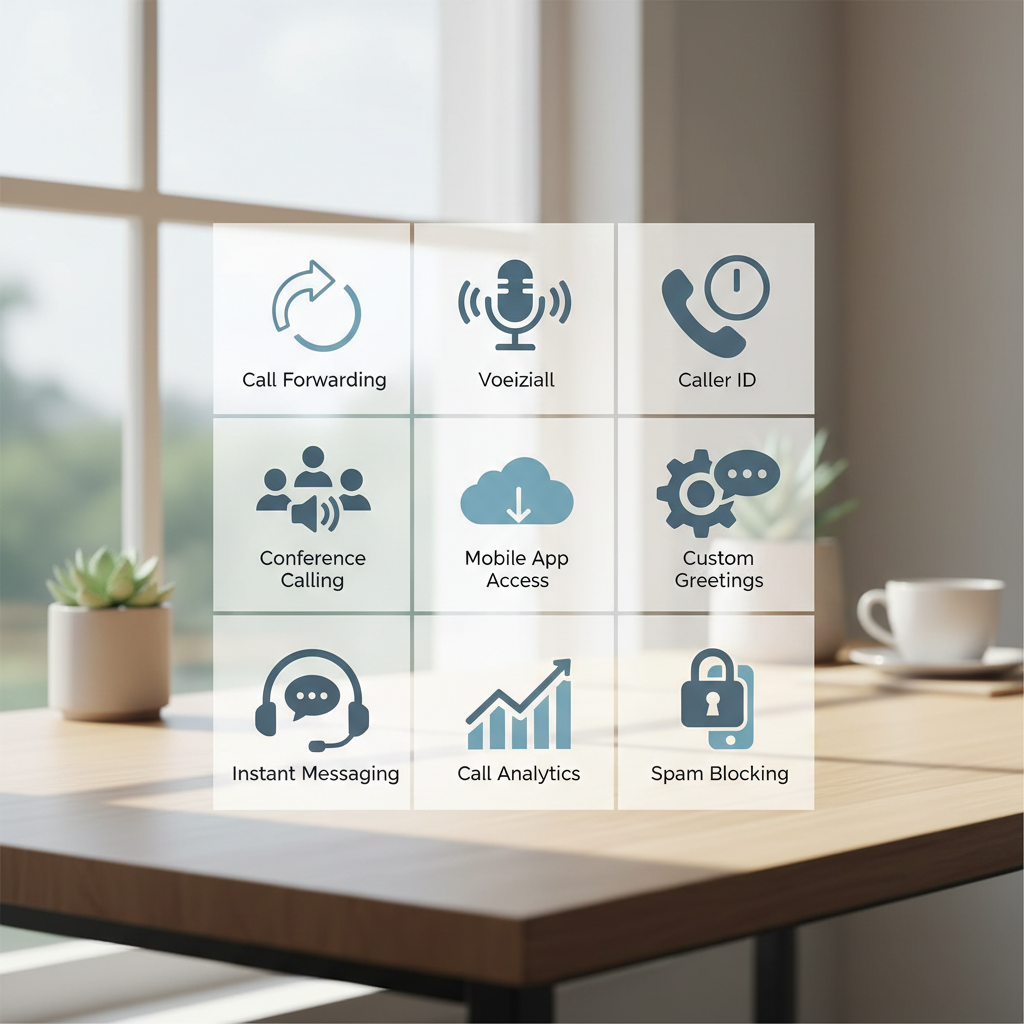
Core Features (Usually Included): Auto-Attendant, Call Forwarding, Voicemail-to-Email, Mobile & Desktop Apps, and a Direct Inward Dialing (DID) number are standard in most entry-level plans.
Advanced Features (Higher Tiers or Add-ons): CRM integrations (e.g., Salesforce), call recording, advanced analytics, and multi-level auto-attendants are typically reserved for more expensive plans.
Prioritize the core features that directly impact your daily operations and customer interactions.
Cheapest Virtual Business Phone Number Options
If you don’t need a full phone system but simply want a dedicated business number that forwards to your mobile phone, a cheap virtual business phone number is an excellent solution. Providers like Phone.com and Grasshopper alternatives specialize in this, offering a professional image for a very low monthly fee. This is ideal for freelancers or home-based businesses.
Free Business Phone Service: Is It a Viable Option?
Services like Google Voice offer a free business phone number, but they come with significant limitations. They often lack professional features like an auto-attendant, toll-free numbers, and robust customer support. While a free service can be a temporary solution for a brand-new venture, the “hidden cost” is a lack of professionalism and scalability. A paid, affordable business phone service is a small investment that delivers a much greater return in credibility and functionality.
Conclusion: Choosing the Best Cheapest Business Phone Service for Your Needs
The VoIP market has made professional communication tools more accessible than ever. As the global VoIP market is projected to expand significantly, reaching an estimated USD 102.5 billion by 2030, the technology and competition will only get better.
Providers like 8×8 and Phone.com offer the lowest entry points, while Ooma and RingCentral provide incredibly robust feature sets for just a few dollars more. The best choice depends on balancing cost with your specific needs for features, reliability, and support.
Before you commit, take advantage of free trials and demos. Test the platform, explore the user interface, and ensure it’s the right fit for your business. With the right provider, you can secure a powerful and professional business phone service that enhances your brand without breaking the bank.