
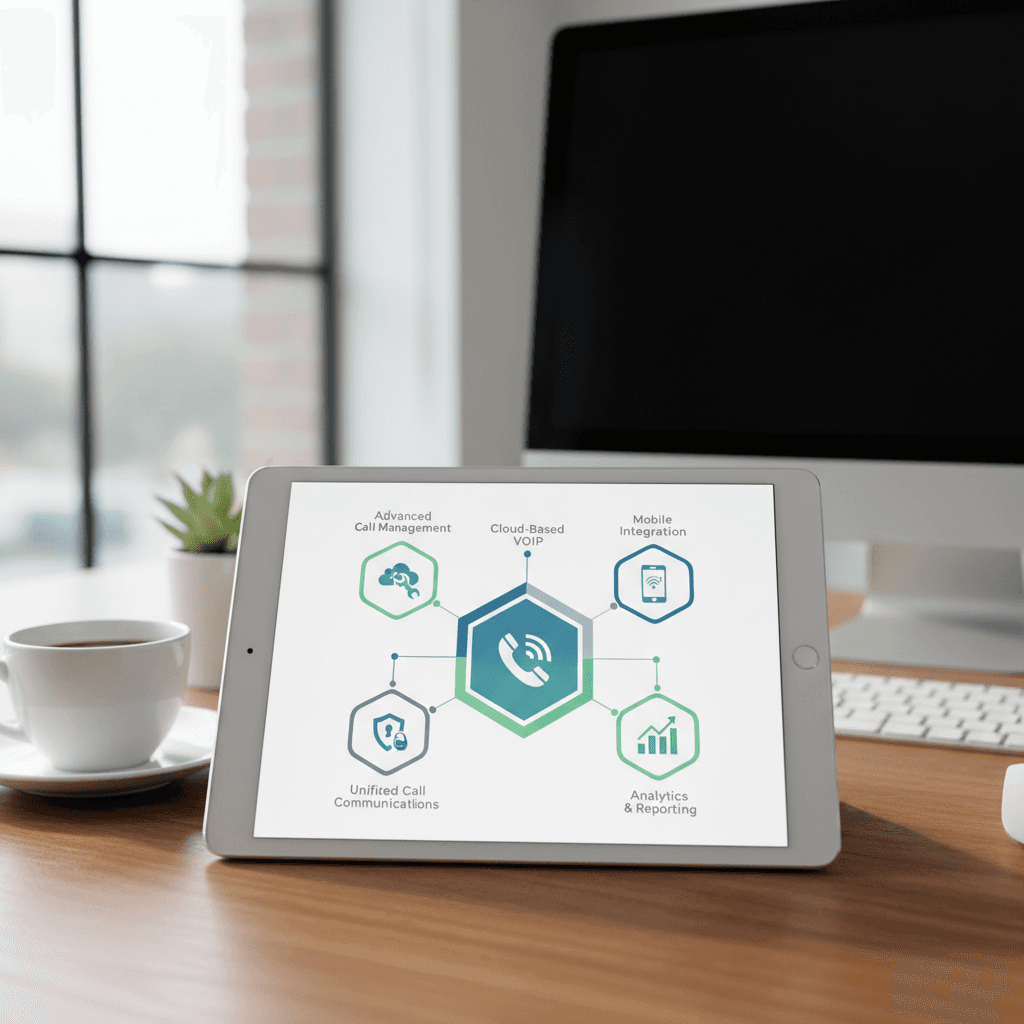
In today’s competitive landscape, your company’s communication system is more than just a utility—it’s a critical tool for growth, productivity, and customer satisfaction. A personal cell phone or an outdated landline system can create bottlenecks and project an unprofessional image. The solution is a modern business phone service.
This guide provides a direct comparison of top providers, essential features, and pricing models to help you select the best business phone service for your needs.
What is Business Phone Service?
A modern business phone service primarily operates using Voice over Internet Protocol (VoIP) technology. Instead of relying on traditional copper-wire landlines, VoIP transmits voice calls as digital data over your existing internet connection.
This fundamental difference from analog phone systems unlocks significant benefits for businesses of all sizes:
Why Your Business Needs a Dedicated Phone Service
Using personal numbers or basic landlines is a common misstep for new businesses. A dedicated business phone service is an investment in your company’s foundation.
The global shift to VoIP is undeniable. The market is projected to expand significantly over the next decade, signaling a permanent move away from legacy systems toward more flexible, feature-rich internet-based communication.
Key Features to Look for in a Business Phone Service
When evaluating providers, focus on the features that will have the most significant impact on your operations.
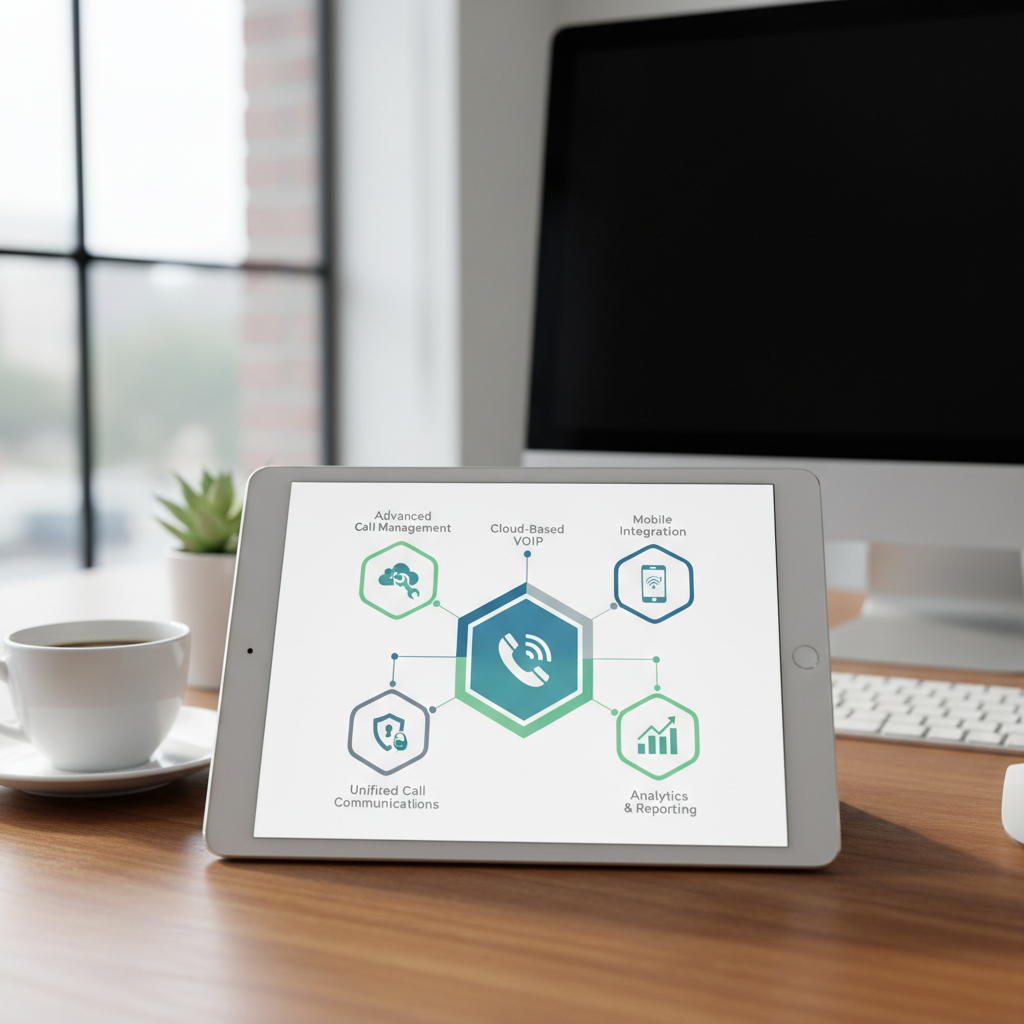
* Auto-Attendant: A virtual receptionist that greets callers and directs them to the right person or department.
* Call Routing: Advanced rules to forward calls based on time of day, team availability, or caller ID.
* Voicemail-to-Email: Delivers voicemail recordings and transcriptions directly to your email inbox.
* Video Conferencing: HD video and audio meetings with screen sharing capabilities.
* Team Messaging: Persistent chat rooms for internal team discussions and file sharing.
* Mobile & Desktop Apps: Softphone applications that turn any smartphone or computer into a fully functional business phone.
* CRM Integration: Connect your phone service with tools like Salesforce, HubSpot, or Zoho to log calls automatically and provide instant customer context.
* Uptime Guarantee: Look for providers that offer a Service Level Agreement (SLA) of 99.999% uptime.
* Encryption: Ensure calls and data are protected with standards like TLS and SRTP.
* Call Logs: Detailed records of all inbound and outbound calls.
* Performance Metrics: Dashboards that track call volume, wait times, and miss-call rates.
Top Business Phone Service Providers Compared
Choosing a provider depends on your business size, budget, and feature requirements. Here’s a breakdown of four leading options.
| Provider | Starting Price (per user/month) | Ideal For | Key Features |
|---|---|---|---|
| RingCentral | ~$20 | Medium to large businesses | All-in-one platform (phone, video, message), robust integrations, advanced analytics. |
| Nextiva | ~$24 | Small to medium businesses | High reliability, excellent customer support, strong CRM integration features. |
| Ooma | ~$20 | Startups & very small businesses | Affordability, ease of setup, essential professional features without complexity. |
| Vonage | ~$20 | Businesses needing flexibility | A-la-carte features, strong mobile functionality, customizable plans. |
RingCentral is a market leader, best for organizations that need a comprehensive Unified Communications as a Service (UCaaS) solution. If you want to consolidate all communication tools into one powerful platform, RingCentral is a top contender.
Nextiva focuses on delivering exceptional reliability and customer support. It’s an excellent choice for service-oriented businesses where call quality and uptime are non-negotiable.
Ooma Office provides a straightforward, cost-effective solution. It’s perfect for entrepreneurs and small teams who need to establish a professional presence without being overwhelmed by features they won’t use.
Vonage offers strong customization, allowing you to build a package that fits your specific needs. Its API platform also appeals to businesses with development resources that want to embed communications into their own applications. For more industry analysis, you can review expert summaries of the 2023 Gartner® Magic Quadrant™ for UCaaS.
Business Phone Service Cost: What to Expect
Pricing for VoIP services is almost always on a per-user, per-month basis. Costs are influenced by the number of users and the feature tier you select.
Be aware of potential additional costs, such as one-time setup fees, charges for porting your existing number, and the cost of physical desk phones or headsets if needed.
Can You Use Your Personal Cell Phone for Business?
While it may seem cost-effective initially, using a personal cell phone for business has significant drawbacks:
A dedicated business phone service, even a basic plan, immediately solves these problems. For more information, see our guide on setting up a small business phone system.
How to Choose the Best Business Phone Service
Follow these steps to make an informed decision:
1. Assess Your Needs: How many employees need a phone line? Do you have remote workers?
2. Identify Must-Have Features: List the essential tools you need, such as an auto-attendant, call recording, or a specific CRM integration.
3. Determine Your Budget: Calculate your total monthly cost based on the per-user pricing of your shortlisted providers.
4. Evaluate Reliability: Check provider uptime guarantees and read reviews about call quality and customer support.
5. Request a Demo: Most providers offer a free demo or trial. Use it to test the user interface and overall experience.
Frequently Asked Questions About Business Phone Service
Is business phone service reliable?
Yes. Leading VoIP providers offer enterprise-grade reliability with uptime guarantees of 99.999% (less than 6 minutes of downtime per year). Reliability depends on a stable internet connection.
Do I need special equipment for VoIP?
Not necessarily. You can use a “softphone” application on your computer or a mobile app on your smartphone. You can also purchase VoIP-compatible desk phones for a traditional office experience.
Can I keep my existing phone number?
Yes. All providers offer a process called “number porting,” which allows you to transfer your existing business number to their service. This process is standard and typically takes 1-4 weeks.
What happens during a power or internet outage?
With cloud-based VoIP, you can configure calls to automatically forward to a mobile number or another location if your office loses power or internet. This ensures business continuity.
How secure is VoIP communication?
Reputable business phone services use robust security measures, including call encryption (TLS/SRTP) and secure data centers, to protect your communications from unauthorized access.